Custom software for Construction & Engineering
We build 8 types of software for construction & engineering — tailored to how your business actually works, not generic platforms you adapt around. Fixed quote within 48 hours — own it outright, subscribe and we host, or share revenue.
Related guide: Custom Construction Software: ROI & Examples →
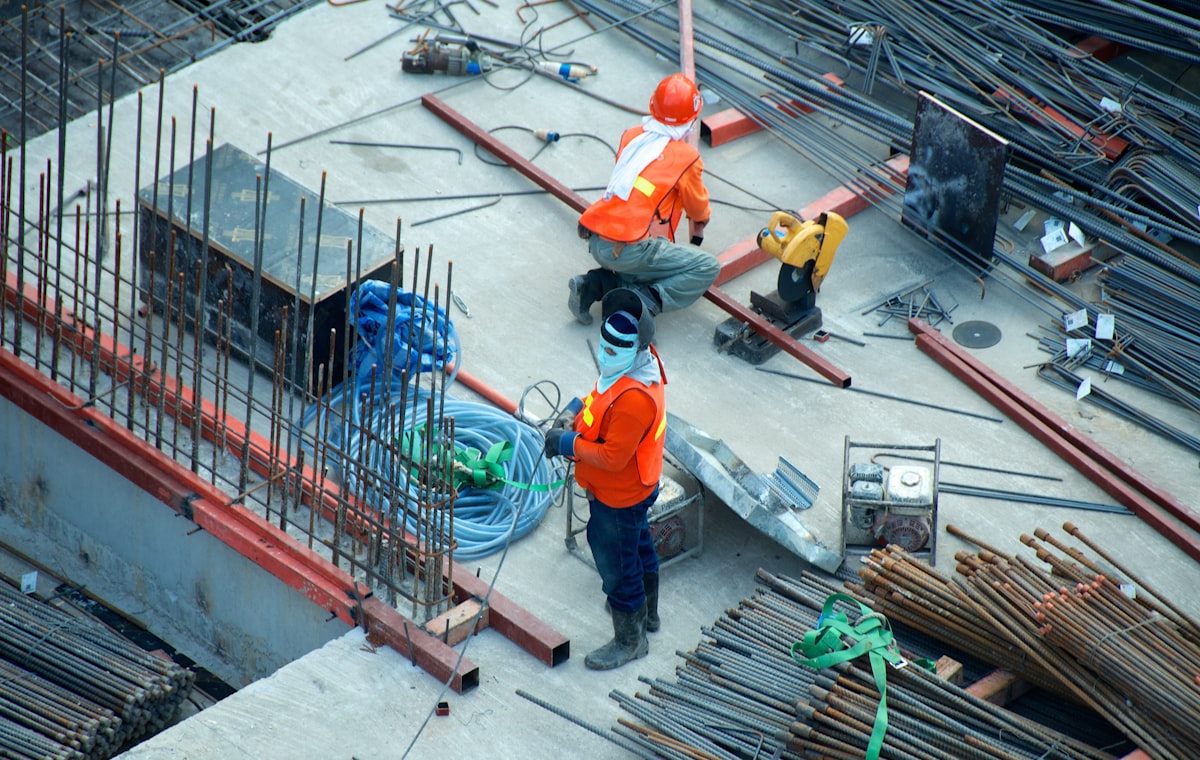
Products we build for Construction & Engineering
Don't see what you need? We build any custom software product — just ask.
Why Construction & Engineering needs custom, not off-the-shelf
Generic SaaS forces your team to adapt to someone else's idea of how construction & engineering works. Custom software adapts to you.
One-time build cost or transparent hosted plan. No surprise licence renewals as your team grows.
Self-host, our hosted infra, or hybrid — your call. No vendor lock-in, no data trapped in third-party silos.
Connects cleanly with the tools you already use — accounting, payments, comms, analytics — instead of forcing migrations.
Three ways to engage
Pick the model that fits your budget and timeline. Switch anytime.
Own it outright
One-time build fee. Full source code, no licensing, deploy anywhere.
Get started →Subscribe and we host
Monthly subscription, zero infrastructure headaches. We handle hosting, updates, security.
Get started →Revenue share
No upfront build cost. You cover only the development cost (credited back against your first invoices), plus a percentage of sales. Our success is tied to yours.
Get started →Custom Software Development for Construction: What Buyers Actually Need
Contractors rarely struggle for lack of software. They struggle because the tools they have don't talk to each other, don't match how their crews and subcontractors work, or charge per user at a scale that hurts. Custom software development for construction is about closing those gaps: one system of record for schedules, costs, documents and field data, shaped around your workflows rather than a vendor's roadmap.
SoftProgrammer builds custom construction software for small and mid-size general contractors, specialty trades, civil and fit-out firms, and developers. You can start from a ready-to-customise product or from a blank page.
The Operational Problems Custom Construction Software Solves
- Cost visibility arrives too late. Budget-vs-actual is assembled in spreadsheets weeks after the money is spent, so overruns surface when they can no longer be fixed.
- Field and office data are disconnected. Daily reports, photos and punch lists live in WhatsApp threads and paper forms, then get re-keyed.
- Document chaos. Crews build from outdated drawings, RFIs sit unanswered, and submittals are chased by email.
- Subcontractor admin. Insurance certificates expire unnoticed, timesheets and payment applications are checked by hand, and retention is tracked in side files.
- Estimating doesn't learn. Actual costs from finished jobs never flow back into the next bid.
- Equipment sits idle or breaks unexpectedly because utilisation and maintenance aren't tracked per asset.
Must-Have Modules in Custom Construction Software Solutions
Project and cost control
Schedules, milestones, change orders, and a job costing system with cost codes, committed vs actual cost, WIP reports and profitability by job. Costing is usually the module with the clearest payback, so many clients build it first.
Field operations
A mobile-first site management app for daily reports, safety checklists, toolbox talks, photo logs and punch lists. It must work offline, because sites often have poor signal, and sync when connectivity returns.
Documents and drawings
Plan versioning, markup, RFIs and submittals with clear audit trails, so everyone sees the current revision and every decision is traceable.
Subcontractors, estimating and equipment
Subcontractor contracts, compliance documents, timesheets and payments. Estimating with takeoffs and bid management. Equipment tracking with maintenance schedules and utilisation. Field service dispatch suits trades that run service and maintenance work alongside projects.
Integrations Construction Software Developers Should Plan For
Integration is where most projects succeed or stall. Scope these early:
- Accounting and ERP: QuickBooks, Xero, Sage, or an existing ERP, for cost codes, invoices, payables and retention.
- Payroll and timesheets: including certified payroll or CIS-style reporting where your jurisdiction requires it.
- Design and takeoff tools: Bluebeam, Autodesk and BIM exports, plus PDF and CAD file handling.
- Telematics and GPS for equipment hours and location.
- E-signature, email and calendar (Microsoft 365 or Google) so approvals don't leave your workflow.
An extension built around the software you already use is a practical form of aftermarket construction software. Instead of replacing your accounting or scheduling tool, we add the missing modules, dashboards or sync layers on top.
Compliance and Data Concerns in Construction
- Safety records: inspection, incident and training records need timestamps, sign-offs and retention that satisfy your regulator (OSHA in the US, HSE and CDM duties in the UK, or local equivalents).
- Financial and contractual evidence: lien waivers, retention, pay applications, change orders and prevailing-wage reporting need immutable audit trails.
- Worker and personal data: timesheets, IDs, certifications and site photos containing people fall under privacy law such as GDPR or state privacy rules.
- Access control: clients, consultants and subcontractors should see only their own project data, with role-based permissions and revocation when they leave the job.
- Large files and backups: drawings and photos grow quickly, so storage, backup and archive-at-closeout need designing in.
Construction Management Software ROI: How to Judge It
Buyers searching construction tech ROI, ROI in construction or whether construction management software is worth the investment need a method, not a slogan. Build your own business case from your own numbers:
- Admin hours saved: hours per week on re-keying, report compiling and chasing paperwork, multiplied by loaded hourly cost.
- Cost overruns caught earlier: the share of margin you typically lose on jobs where costs were seen late.
- Rework avoided: instances of building from superseded drawings or missed RFI answers.
- Payment and compliance errors: overpaid subcontractors, lapsed insurance, delayed billing.
- Software spend replaced: per-user licences you can retire.
Compare total annual benefit with total cost over three to five years. The same approach works for construction safety ROI software (fewer incidents, less downtime, lower insurance friction, faster audits) and for the question will I get a ROI on construction integration software: yes if the integration removes a manual step that someone repeats weekly, rarely if it automates something done twice a year. Our guide to custom construction software ROI, costs and examples walks through the calculation in more detail.
Build vs Buy: Custom Software for Construction Companies vs SaaS
| Factor | Off-the-shelf SaaS | Custom software |
|---|---|---|
| Time to start | Days to weeks | Weeks to months |
| Fit to your workflow | You adapt to it | It adapts to you |
| Cost pattern | Recurring, often per user | Upfront or subscription, not tied to headcount growth |
| Integrations | Whatever the vendor supports | Whatever your stack needs |
| Data and exit | Vendor-controlled | Yours, especially with source code ownership |
| Best for | Standard processes, small teams | Distinctive processes, many users or subcontractors, competitive edge |
Many firms land on a hybrid: keep SaaS for commodity needs and build custom for the workflows that differentiate them. Our custom software vs SaaS comparison covers the trade-offs further.
Typical Cost and Timeline Ranges
These are broad market ranges for construction software development services in general, not SoftProgrammer quotes. Scope, integrations and compliance requirements move them significantly.
| Project type | Typical market cost | Typical timeline |
|---|---|---|
| Single-module tool (e.g. daily reports, equipment tracking) | $25,000 – $80,000 | 2–4 months |
| Multi-module platform (costing, documents, subcontractors) | $80,000 – $250,000 | 4–9 months |
| Enterprise-scale system with deep ERP/BIM integration | $250,000+ | 9–18 months |
| Each major third-party integration | $5,000 – $25,000 | 2–6 weeks |
Starting from a ready-to-customise product usually shortens timelines and lowers the entry cost. For a project-specific figure, try the instant quote calculator.
Choosing a Construction Software Development Partner
When comparing construction software developers, ask:
- Can they show offline-capable mobile work and large-file document handling?
- Do they understand cost codes, retention, change orders and subcontractor compliance, or will you be teaching them?
- Who owns the code and data if you part ways?
- Will they deliver in phases so you see value in weeks, not after a year?
Three Ways to Engage SoftProgrammer
- Own: a one-time fee, and you receive the source code.
- Host: a monthly subscription where we run and maintain the system.
- Revenue Share: no upfront cost; you pay a monthly base operational cost plus a share of revenue. This suits products you plan to sell on to other contractors.
Not sure which fits your cash flow and plans? Use our engagement model guide to compare them.
How to Get Started
- List your three costliest manual processes and the tools involved.
- Pick one module that would pay back fastest, often job costing or field reporting.
- Get a ballpark from the quote calculator.
- Talk to us through the contact page for a scoping conversation and a phased plan.
Construction & Engineering software: frequently asked questions
How much does custom construction software development cost?
Typical market ranges run from roughly $25,000–$80,000 for a single-module tool to $80,000–$250,000 or more for a multi-module platform, with integrations extra. Actual cost depends on scope, number of users, integrations and compliance needs. A scoped estimate is the only reliable figure.
Is construction management software worth the investment?
It is worth it when it removes recurring costs you can measure: admin hours, late cost visibility, rework from outdated drawings, and subcontractor payment or compliance errors. Add up the annual value of those, compare it with total cost over three to five years, and you have your ROI. Firms with simple, standard processes may do fine with off-the-shelf SaaS.
Should a construction company build custom software or buy SaaS?
Buy SaaS if your processes are standard and your team is small. Build custom when your workflows are distinctive, per-user fees scale painfully across staff and subcontractors, or you need integrations SaaS tools don't support. Many firms combine both, keeping SaaS for commodity tasks and custom software for what differentiates them.
How long does it take to develop custom construction software?
A focused single-module tool typically takes 2–4 months, and a multi-module platform 4–9 months. Starting from a ready-to-customise product can shorten this. Phased delivery lets your team use the first modules while later ones are built.
What integrations does construction software usually need?
Most projects integrate with accounting or ERP systems such as QuickBooks, Xero or Sage, plus payroll and timesheets. Many also connect to Bluebeam or BIM and CAD tools, equipment telematics, e-signature, and Microsoft 365 or Google. Scoping these early prevents the biggest budget and timeline surprises.
Ready to build for Construction & Engineering?
Free project scope and fixed quote within 48 hours. No credit card. Just a conversation about what you actually need.