If your nonprofit runs donations through one tool, contacts through another, grants in a spreadsheet and client notes in a fourth system, you already know the problem. Nobody can answer a simple question like "which donors funded this program, and what did it produce?" without an afternoon of exporting and pasting. This article looks at when custom software for nonprofits makes sense, where off-the-shelf nonprofit management software still wins, and how to compare the real costs.
Every dollar figure below is a typical market range for planning, not a quote. For an estimate based on your scope, use the quote calculator.
Why Custom Software for Nonprofits Starts With Outgrown Tools
Most nonprofits don't choose a bad tool. They add good, single-purpose tools one at a time, and the gaps between them become the real cost. Three patterns come up again and again.
- Data silos. A donation form, a CRM, a grant tracker and a case system each hold part of the story. Nobody holds all of it.
- Workflows that don't match yours. Your intake screening, eligibility rules or grant milestones are specific to your mission. Generic software gives you generic stages.
- Customization caps. Platforms like Salesforce and Blackbaud can be extended, but deeper workflow changes often need higher-tier plans, API access or a paid consultant.
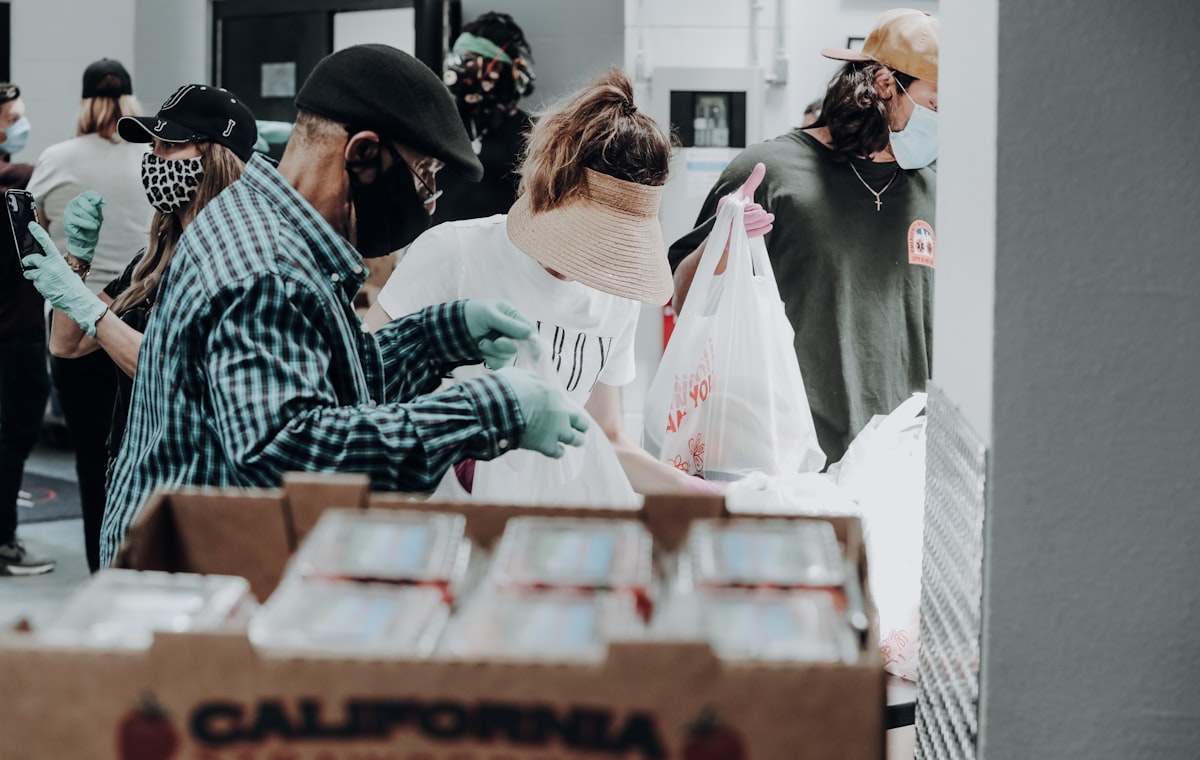
Here is an illustrative scenario. A regional food bank takes online gifts through Donorbox, keeps contacts in Salesforce and tracks restricted grants in Excel. A program officer wants to show a funder how many households their grant served. Answering means matching gift records to program codes by hand, then matching those to distribution counts kept elsewhere. It is doable, but it is slow, error-prone and repeated every reporting cycle.
The Donor Management Gap: Donorbox vs Blackbaud vs Custom
These three options solve different problems. The right choice depends on how much of your operation you need the donor system to understand.
| Option | Strong at | Weak at | Watch for |
|---|---|---|---|
| Donorbox | Accepting online and recurring gifts quickly | Donor segmentation, relationship history, program attribution | Platform fees on top of payment processing; check current plans |
| Blackbaud | Mature fundraising features and reporting | Flexibility, simple pricing, small-team learning curve | Costs that climb with modules and database size; data export and vendor lock-in |
| Custom donor system | One donor profile, program-level attribution, your own workflows | Speed to first use; you must define requirements | Build cost, plus hosting and maintenance |
Donorbox is a good way to start taking gifts. It is not a donor database, and most organizations discover that around the time they want to segment lapsed donors or thank major givers properly. Blackbaud is powerful, but pricing varies widely by product and organization size, so get a current written quote before you compare.
A custom donor management system makes sense when you need things packaged tools handle awkwardly:
- A single donor profile with full gift history across online, check, event and in-kind giving.
- Gifts tagged to the programs or funds they support, so attribution is automatic.
- Your own segmentation rules and acknowledgment workflows.
- Direct control of your data, with no per-contact pricing tiers.
If you want to see what a ready-to-customize starting point looks like, review the Donor Management System. You adapt it to your workflows instead of designing from zero.
Grant Management and Reporting: Why Spreadsheets and Generic CRMs Fail
Grants are a workflow problem more than a contact problem. An award comes with terms, restricted uses, milestone dates and reports in each funder's own format. Generic CRMs can model this, but only after heavy configuration.
The usual failure point is compliance. Grant terms live in a PDF, deadlines live in someone's calendar, and spending rules live in the accounting system. When one person leaves or one date slips, you find out at report time, or later.
A purpose-built grant management platform development project connects the whole chain in one place:
- Application: prospect, draft, submit and track status.
- Award: store terms, restrictions, budget and reporting schedule.
- Milestones: assign owners, send reminders and record completion.
- Outcomes: link program data to the grant it supports.
- Funder report: generate the report from data you already entered.
Note that the federal Grants.gov portal is where you submit certain applications; it isn't a tool for managing your grants internally. You still need your own system for everything after you hit submit. The Grant Management Software product covers this lifecycle and can be tailored to the funders you actually report to.
Case Management and Service Delivery: When Off-the-Shelf Breaks
If you serve clients, such as homeless services, counseling or youth programs, your case data matters more than anything else you store. It also carries privacy obligations, so where it lives and who can see it matters.
Generic service or ticketing tools weren't designed for this. They don't know about eligibility screening, service plans that change over months, or referrals to partner agencies. Teams end up forcing a support-ticket model onto human services work.
Nonprofit case management software built around your process typically includes:
- Intake forms that apply your eligibility rules and flag edge cases for a human.
- Case notes, service plans and follow-up tasks per client.
- Referral tracking, with status updates when a partner agency responds.
- Role-based access, so volunteers and staff see only what they should.
- Outcome dashboards that roll up anonymized results for funders and donors.
That last point is where case, grant and donor data meet. If a donor funds a housing program, you want to report how many people were housed without exposing anyone's record. The Case Management product is a practical base for this. If you handle health or other regulated information, confirm compliance requirements with your counsel before design starts.
Volunteer and Membership Management: The Overlooked Opportunity
Volunteers and members are often donors too, yet their data usually sits in separate tools. A typical mix is Eventbrite for events, a volunteer scheduling app and a spreadsheet for hours. Each has its own contact list, so the same person exists three times with three spellings.
A combined platform can handle:
- Volunteer sign-up, shift scheduling and hours tracking.
- Event registration and ticketing tied to the same contact record.
- Membership renewals and reminders.
- Annual giving campaigns that know who already volunteers, attends or renews.
The payoff is practical. You can thank a volunteer who also gave, invite a lapsed member to an event, and report volunteer hours to a funder without a separate data pull.
When Custom Software for Nonprofits Costs Less Than Multiple SaaS Tools
Start with what you pay today. A representative stack might look like this, though your numbers will differ:
| Tool | Typical monthly cost |
|---|---|
| Donor database / CRM | $200-$500 |
| Online giving platform | $0-$100 plus fees |
| Volunteer or event tool | $50-$150 |
| Grant or case tracking add-ons | $100-$300 |
That often lands around $500-$800 per month, or $6,000-$10,000 per year. A custom build for a scoped nonprofit platform typically runs from the mid-teens to about $40,000 in the broader market, with $300-$800 per month for hosting, support and updates. These are market ranges for planning, not a SoftProgrammer quote.
Be careful with the payback math. If your monthly run cost is about the same as your current licenses, you are not saving on licenses, and the build cost never pays back from that alone. Real payback comes from other places:
- Staff time. Ten hours a week of re-entry at an illustrative $25 an hour is about $13,000 a year.
- Retired tools. Every subscription you cancel lowers the comparison number. Keep tools that work, such as your email suite.
- Avoided consulting. Heavy platform customization is often billed separately from the license.
- Compliance risk. A missed grant report or restricted-fund error can cost more than any subscription.
For organizations with real re-entry pain, payback in roughly one to two years is plausible. If your stack is small and works, buying is likely the better call. The four build-vs-buy questions are a useful sanity check, and the post on custom software vs Salesforce covers the most common comparison nonprofits face.
Choosing an engagement model
- Own: a one-time fee, and you receive the full source code. This suits organizations that want long-term control.
- Host: a monthly subscription, and SoftProgrammer runs and maintains the software. This is low commitment with no large upfront payment.
- Revenue Share: no upfront cost. You pay a monthly base operational cost plus a share of the revenue the software generates. If you consider this, define in writing what counts as revenue, because donations and grant awards may be treated differently from fees or ticket sales.
The engagement model guide walks through which one fits your cash flow.
How to Get Started with Custom Software for Nonprofits
- Map your real workflows. Write down the path from donor acquisition to program allocation, service delivery and funder reporting. Mark every step where someone copies data by hand.
- List your current tools and costs. Note what each one does well, what it is missing and what you would keep. This sets the scope and the comparison baseline.
- Start with a free discovery session. SoftProgrammer's AI-assisted discovery confirms scope and recommends a model, and it is followed by a written proposal.
- Test a working sandbox before committing. Load sample data that resembles your real intake forms, grants and donor records. If it doesn't fit your workflow, you will know before you sign.
If you serve a mix of donors, grantors and clients, see how the nonprofit and government solutions are organized. Then get an instant number from the quote calculator and compare it against what your current stack costs you, including staff time.
Frequently asked questions
Is it cheaper to build custom nonprofit software or use Blackbaud and Donorbox?
Most nonprofits spend $500–$800/month on 3–4 SaaS tools. Custom software costs $15k–$40k to build once, then $300–$800/month to run. You break even in 6–18 months and own your code and data forever after that.
Can Salesforce handle grant management and case tracking for nonprofits?
Salesforce can be customized for nonprofits but requires significant configuration, custom fields, and flows—often requiring consulting fees of $10k+. A custom system built for your workflows is faster and cheaper than customizing Salesforce.
How do I know if my nonprofit is ready for custom software instead of SaaS?
You're ready if: you use more than three tools today and data is re-entered manually between them; your workflows don't fit any single platform; or you're spending $400+/month on SaaS licenses. A free discovery call can confirm.
What engagement model works best for nonprofits with tight budgets?
Revenue Share is popular: you pay only the operational cost ($300–$500/month) plus a small percentage of grant revenue or donations your software helps you secure. No upfront cost. Host (monthly subscription) is also low-commitment.