In this guide · 7 sections
- Why are dental practices looking at AI agents now?
- Which 5 AI agent use cases actually work in a dental office?
- What can AI save: time, no-shows and revenue?
- What can't AI agents do yet in dentistry?
- How do you keep AI agents compliant with HIPAA and patient data rules?
- How can you start with AI in 30 days without disrupting the practice?
- How do you get started with AI agents at your practice?
The phone rings while your hygienist is mid-cleaning and your front desk is checking in a patient. Nobody picks up, and that caller books with the practice down the road. AI agents for dental practices exist to catch exactly those moments, and a few narrow jobs now work well enough to trust.
Why are dental practices looking at AI agents now?
Three pressures are showing up in most practices at once.
- Staffing gaps: front-desk roles are hard to fill and harder to keep. When one person handles check-in, checkout, insurance and the phones, calls get missed during chair time.
- Patient expectations: many patients want to book or reschedule at 9 p.m. from their phone, not call during office hours and sit on hold.
- Thin margins: an empty hygiene slot or a no-show is lost production you can't get back. Small leaks add up over a year.
An AI agent is different from a simple reminder tool. It can read the schedule, decide what to do next, send a message, and handle the reply. That's useful, and it's also why the guardrails matter. For a broader view beyond dentistry, see our post on AI agents for business operations.
Which 5 AI agent use cases actually work in a dental office?
These are the jobs that are repetitive, rule-based and low-risk. They're where AI automation for a dental practice tends to pay off first.
1. Booking and rescheduling agent
The agent checks open slots against appointment type and provider, books the visit, and confirms by text. It also handles "I need to move Thursday" without a staff member touching it. This is the core of an AI phone agent for a dental office and of online self-service. Our dental online booking product covers the scheduling side.
2. Recall and reactivation agent
Lapsed patients get a sequence: a text, then an email, then a call task for staff if there's no response. This is dental recall automation with AI at its simplest. The agent stops contacting a patient once they book, which sounds obvious but is where cheap tools often fail.
3. Insurance eligibility and claim-status checks
Before a visit, the agent verifies coverage and flags missing information. After submission, it checks claim status and surfaces claims that have gone quiet. This is the safest slice of AI insurance claims and dental billing work, since it's mostly lookups. Our dental billing and claims software is built around this workflow.
4. Post-visit follow-up and review requests
A day after the appointment, the agent sends a short check-in and, if the patient is happy, a review request. If the patient reports pain or a problem, it alerts staff instead of asking for a review.
5. Treatment-plan reminder agent
Accepted-but-unscheduled treatment is quiet money. The agent follows up on proposals with timed messages and offers open slots. Pairing it with treatment planning software keeps the proposal and the follow-up in one place.
What can AI save: time, no-shows and revenue?
The gains come from three places, and none of them need hype.
- Front-desk hours: routine calls, confirmations and reschedules are the first thing to come off your team's plate.
- No-shows: automated reminders with an easy reply-to-reschedule option tend to reduce last-minute gaps, and the agent can offer the freed slot to waitlisted patients.
- Recovered treatment: patients who accepted a plan but never scheduled are the cheapest production you'll find.
The honest caveat: savings depend on your call volume and your current no-show rate. A practice that already confirms 95% of appointments has less to gain than one that confirms by hand when time allows. That's why the baseline matters.
What can't AI agents do yet in dentistry?
Knowing the limits keeps you out of trouble. Plan for staff to own these.
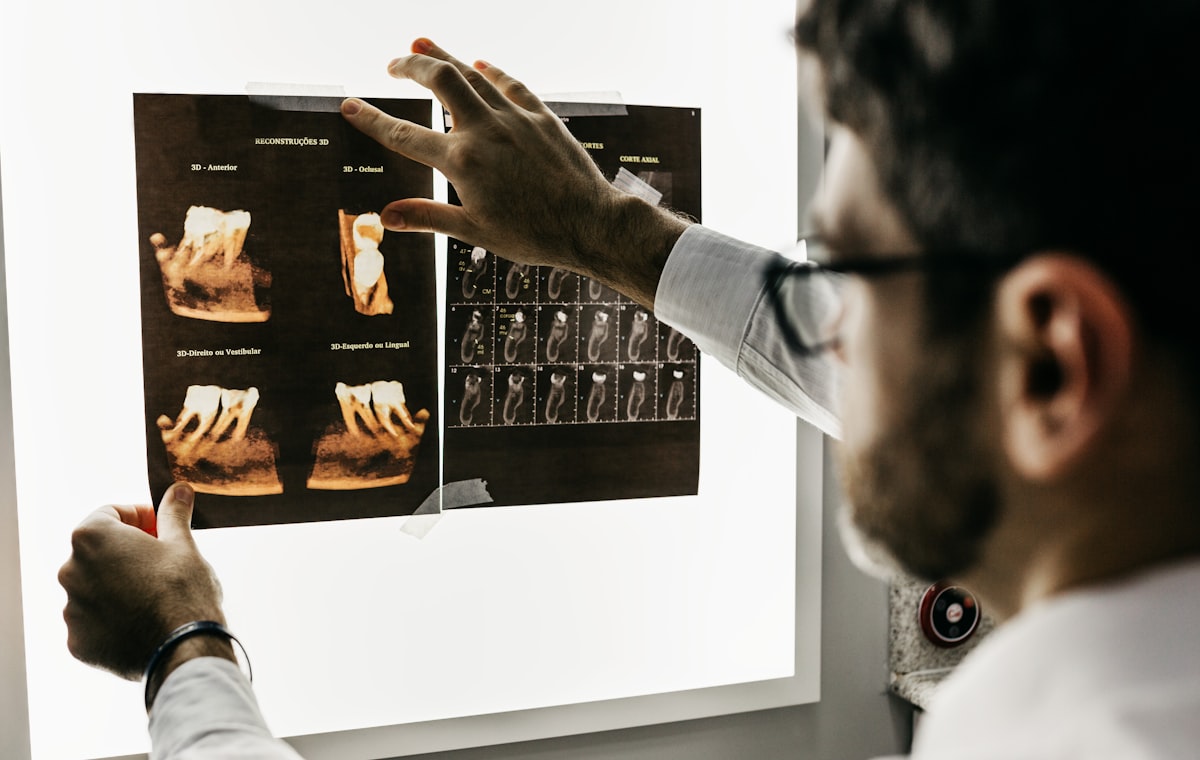
- Clinical judgement: diagnosing, or reading X-rays and CBCT scans, stays with a clinician. Imaging tools can assist, but a dentist signs off. See imaging integration for how that fits in.
- Complex insurance work: disputes, appeals and pre-authorisations with unusual payers need a person who knows the payer.
- Urgent or emotional calls: a patient in severe pain or a distressed parent should reach a human fast. The agent's job is to recognise the situation and escalate clearly.
- Consent conversations: these stay with the clinician, every time.
How do you keep AI agents compliant with HIPAA and patient data rules?
Treat the agent like a new staff member with limited access.
- Hosting and agreements: use HIPAA-compliant hosting and get a signed business associate agreement (BAA) from every vendor that touches patient data.
- Least access: give the agent schedule and contact data, not full clinical notes, unless a specific task needs more.
- Audit trail: log every action the agent takes, including messages sent and records changed.
- Human approval: require staff sign-off for clinical or billing changes.
Confirm all of this in writing before go-live. If you're also planning patient-facing apps, our guide to patient portal app development covers the compliance side in more depth. This is general information, not legal advice, so have your compliance lead review the setup.
How can you start with AI in 30 days without disrupting the practice?
Small and measured beats big and ambitious.
- Week 1: pick one bottleneck. Missed calls, recall backlog or claim follow-up. Only one.
- Weeks 1-2: measure a baseline. Track call abandonment, no-show rate and recall completion.
- Weeks 3-4: run in shadow mode. The agent drafts actions while staff do the real work, and you compare the results.
- Then go live in a limited way. Expand only after the metric moves.
| Starting point | Best first metric | Risk level | Related tool |
|---|---|---|---|
| Missed calls | Call abandonment rate | Low | Online booking |
| Recall backlog | Recall completion rate | Low | Patient communication |
| Claim follow-up | Days to payment | Medium | Billing and claims |
| Unaccepted plans | Plans scheduled | Low | Treatment planning |
If you're weighing an off-the-shelf tool against something built around your workflow, our comparison of custom software vs SaaS helps frame the tradeoffs. A narrower view of the phone side is in our post on the AI receptionist for small business.
How do you get started with AI agents at your practice?
You don't need to replace your practice management system. Many practices start with an agent that connects to the existing schedule and records, and integration depth depends on what you run today. If you want everything in one place, our dental practice management system is one option, and the full range is on the dental software page.
Here's how a project with us runs:
- Free AI-assisted discovery: we map your calls, schedule and recall process.
- Written proposal: scope, timeline and the engagement model that fits.
- Working sandbox: you test it with your own scenarios before committing.
- Production launch: staged, with staff approval steps where they matter.
You can choose to own the code, have us host it, or start with no upfront cost on revenue share. The engagement model guide explains which suits your cash flow.
One question to ask yourself: which single task, if it vanished from your front desk tomorrow, would give your team the most breathing room? Start there. Get an instant estimate with the quote calculator, talk to the team through our contact page, or start a project directly.
Frequently asked questions
Can an AI agent answer phones for a dental office?
Yes, for routine tasks such as booking, rescheduling, confirming appointments and answering office hours questions. Urgent or clinical calls should be routed to a staff member, and the agent should be configured to escalate clearly.
Is AI safe to use with patient data in a dental practice?
It can be, if the vendor offers HIPAA-compliant hosting, signs a business associate agreement, limits data access to what each task needs, and logs all actions. Always confirm these with your vendor in writing before go-live.
How much can a dental practice save with AI automation?
Savings vary by practice size, call volume and current no-show rate. The most reliable gains come from fewer missed calls, lower no-shows and recovered unscheduled treatment plans, so measure a two-week baseline before you start.
Do I need to replace my practice management software to use AI agents?
Not necessarily. Many practices start with an agent that connects to the existing schedule and patient records, though integration depth depends on your current system. A custom build can connect to your PMS, booking and billing tools without a full migration.